How to not break something while fixing it
A brand has a website that’s been running for years. It gets meaningful traffic. It generates revenue. It has SEO equity built up over time, an email list connected to it, ad campaigns pointing at it, products and content and customer behavior data living inside it.
And now it's tired, or off-brand, or held together with apps and band-aids, and it's time for a redesign.
So the brand owner gets website quotes. And they wonder why the website quotes are so radically different from each other.
This is where pricing gets confusing for buyers, because the work involved in not breaking what's already working is mostly invisible.
A good site has many hours of work in it that are simply not visible from a portfolio page.
Good work is invisible — you only see it when it DOESN’T work
The problem with “complete” sites is that the work is invisible. You only see it when it's missing:
- When traffic drops 40% after launch because nobody mapped the redirects
- When AOV drops 30% because the site looks prettier, but the merchandising strategy tanked
- When the new design has no mobile cart logic because nobody designed the sold-out state
- When the client can't update their own homepage two months without it crashing, because nobody made a training video
Unfortunately, the reality is that the cheap quote isn't cheaper because they found efficiencies. It's cheaper because the work below — the checklist you’re about to see — isn’t there.
Please note that I have abbreviated this checklist for clarity and simplicity.
Scoping & Strategy
- Scope based on SKU count, collection structure, product variants and product types
- Specific features (i.e. international selling, third-party sales channels integration, B2B features and logic, subscriptions etc)
- App documentation: Existing, new, retiring
- Custom feature documentation + development pricing
- Site migration plan + full redirect plan: which URLs go where, who handles it, when
- Full site architecture scoped out (even if our team is not doing data entry)
- Email strategy essentials: flows, campaigns, necessities vs nice-to-haves
Before Kickoff
- Audit of existing analytics (GA4, Search Console, etc.)
- Audit of existing email platform and marketing tools
- Audit of existing third-party apps and integrations
- Funnel mapping
- Project sheet mapping every page, feature, and content requirement
- Project timeline mapped and confirmed
- All project stakeholders identified and confirmed
SEO and Metadata Essentials
- Meta title & descriptions written and installed for all pages
- H1 tag set on every page (one per page)
- H2 tags structured for non-product pages
- Alt text on content images
- robots.txt configured and verified
- sitemap.xml configured and verified
- Schema markup configured
- Broken link check run before launch
- Broken link check run after launch
- Post-launch verification that the site is indexed correctly on Google
Design
- Desktop & ,mobile design as well as other relevant breakpoints for every page in scope
- Detail checklist: 404 page, favicon, checkout banner, breadcrumbs, etc
- Form submission confirmations
- UI kit: buttons, colors, type styles, cards, components, hover states, active states, variant states, loading states, error states, etc
- Filter mapping/product tag planning
Developer Handover
- Animation documentation
- Developer handover call
- Fonts purchased + font files and licenses provided to developer & client
- Developer given theme link, backend access, Figma files, app list, forms routing, UI kit
- Developer timeline re-established and documented
In-Depth QA (Quality Assurance) Testing
- Font sizes, font families, color, layout, spacing and margin match design across all pages
- Test in 3 environments: desktop, laptop, mobile
- Above-the-fold content matches design across standard screen sizes
- Images load at correct resolution (not stretched, not blurry)
- Proper formats for all assets: SVGs, PNGs, WEBPs etc
- All buttons and links tested for hover and click states
- All header nav links tested
- All footer nav links tested
- All CTA buttons trigger correct action
- Site search tested (results, language, images all correct)
- Social media links tested
- Forms: Submission tested, confirmation message appears correctly, field validation tested, form notification email received and verified
QA: Ecommerce-Specific
- Product can be added to cart with all variant selections
- Cart item can be deleted
- Cart can proceed to checkout
- Full purchase tested end-to-end
- Order confirmation email received
- Collection page filters tested (relevant, not placeholders)
- Backend tested: adding a product performs as expected
- Backend tested: changing a homepage banner performs as expected
- Backend tested: adding a filter performs as expected
Apps and Integrations
- Klaviyo and other relevant apps are connected and tested
- Email opt-in tested (form submission triggers welcome email)
- Google Analytics 4 installed and verified live
- Microsoft Clarity installed and verified live
- Social media pixels installed and firing (if applicable)
- Social media feed integration tested
- Cookie consent popup installed if relevant
- reCAPTCHA installed where needed
Compliance and legal
- Privacy Policy page installed
- Terms & Conditions page installed
- Accessibility considerations addressed (WCAG or accessibility app where in scope)
- HIPAA compliance addressed (if applicable)
Pre-launch cleanup
- All placeholder products and dummy content were removed
- Backup theme saved
- Google PageSpeed Insights tested, hero sections loading under 2 seconds
- Five most popular products checked: titles, variants, prices, SKUs, metafields correct
- Five main collection pages checked: filters, tags, sort order correct
Launch
- 301 redirects set up from old URLs to new URLs
- Domain connected
- HTTPS active
- Shipping and tax settings configured per region
- Payment gateway configured and tested live (Stripe, PayPal, etc.)
- Forms tested on live domain
- Launch email drafted
- Launch announcement banner set up
- Backup theme saved post-launch
- Backend access set up at correct permission levels for client team
Client management, training and handoff
- Client image guide (usually created for Canva): exact dimensions and specs for every image type the team will/may wish to upload
- Form routing
- Content requirements list given to client: what's needed, in what format, by when
- Loom training videos recorded for backend management
- Loom training videos recorded for content updates
- Seasonal content document delivered (how to update homepage for campaigns)
- Collection setup guide delivered
- Product catalog structure documented
- List of items NOT to touch in the backend provided to client team
Post-launch
- Internal review scheduled immediately after launch
- Client check-in scheduled one week post-launch
- 1-month analytics + site QA review
- 3-month analytics + site QA review
- Phase 2 wishlist delivered to client: optional out-of-scope items captured for future work
- Bug support window communicated (we offer 90 days)
So when you're comparing quotes
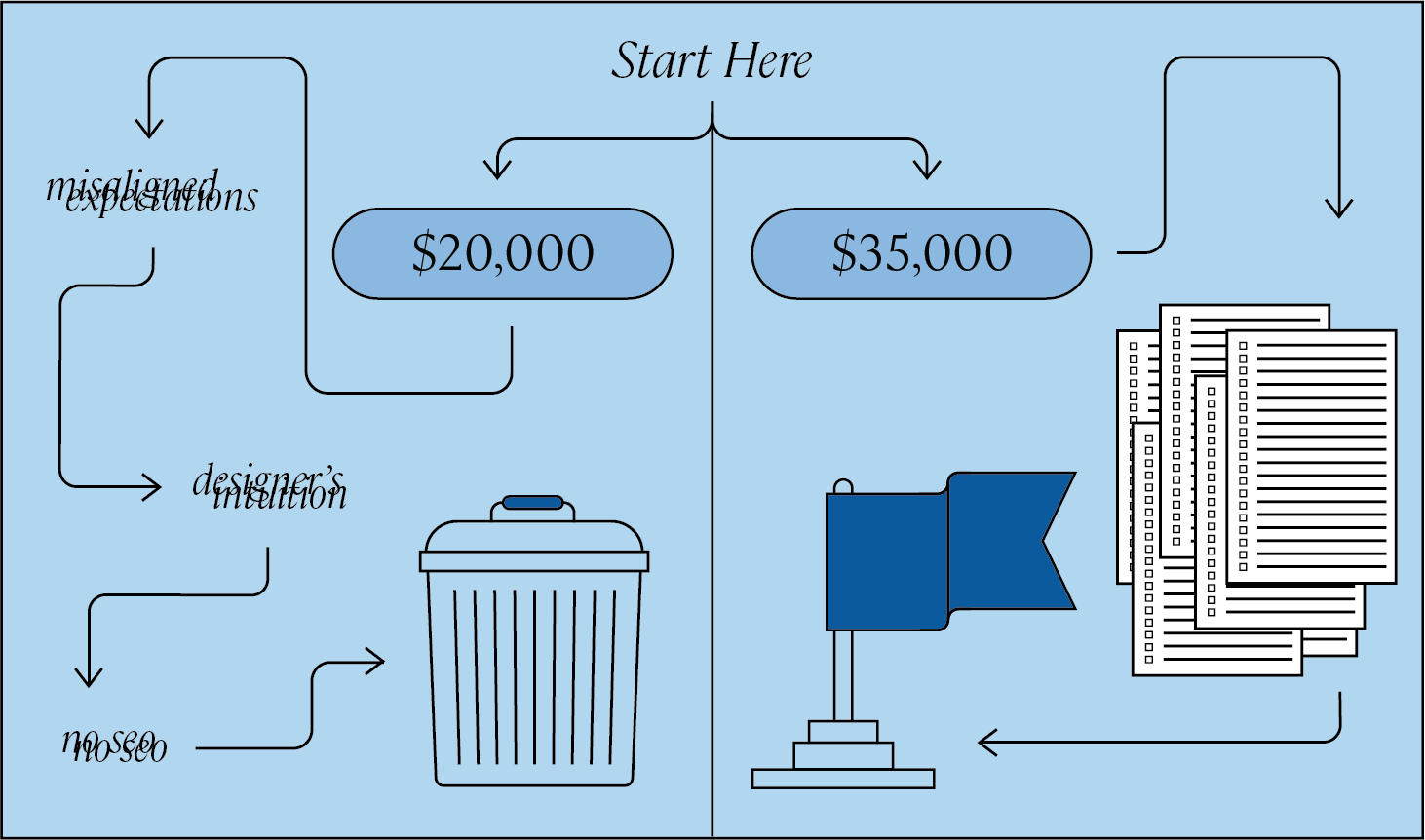
A $20,000 quote and a $40,000 quote can both, technically, build you a website. The difference isn't talent or hustle. It's whether the strategy, detail, and dev management are scoped in, or scoped out and discovered later as "oh, you also need that?" change orders — or more commonly, never done at all.
Hire accordingly.
If you’re thinking, “Not every website needs everything below,” you’re right.
If you're after a landing page for a one-day event, or a clean five-page brochure for your dog walking service, you don't need 301 redirect mapping, schema markup, or a Phase 2 wishlist.
You need something that loads, looks decent, and tells people you exist. A few hundred bucks of theme customization will do the job, and anyone telling you otherwise is overselling.
If you're rebuilding the actual storefront your business runs on, the question to ask isn't:
"Why is this one more expensive?"
It's "What's missing from the cheaper one?"
Final Advice
Ask any agency you're considering to walk you through the list above, line by line, and tell you which items are in their scope and which aren't. The answer to that question is the real quote.
If the proposal you're holding has fewer than half of these items explicitly accounted for — either in the line items or in the agency's process documentation — you're not looking at a cheaper website. You're looking at the same website missing the parts that make it work, and you'll be paying for those parts later, as change orders, as lost traffic, or as the cost of rebuilding it again in two years.


.svg)


.png)
.png)
.png)